
Mac menu bar app
Keep your pointer in view.
A soft highlight follows your mouse pointer, with clear motion for every click, drag and drop. So the people watching your demo, lesson or recording always know where to look.
One purchase on the Mac App Store. No subscription. macOS 15 or later.
Open the video · 30 seconds · 1 MB
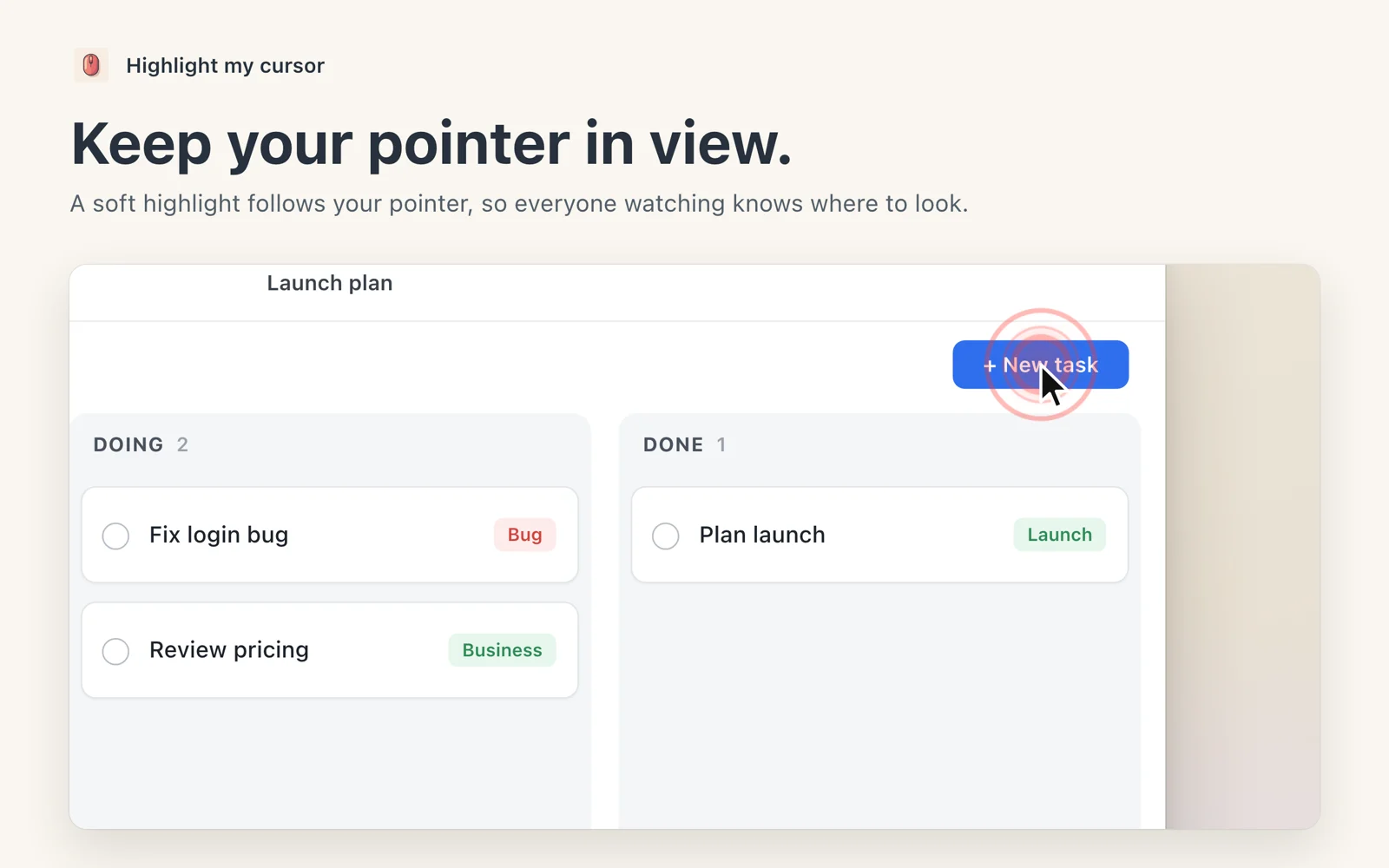
Small, quiet, and easy to see.
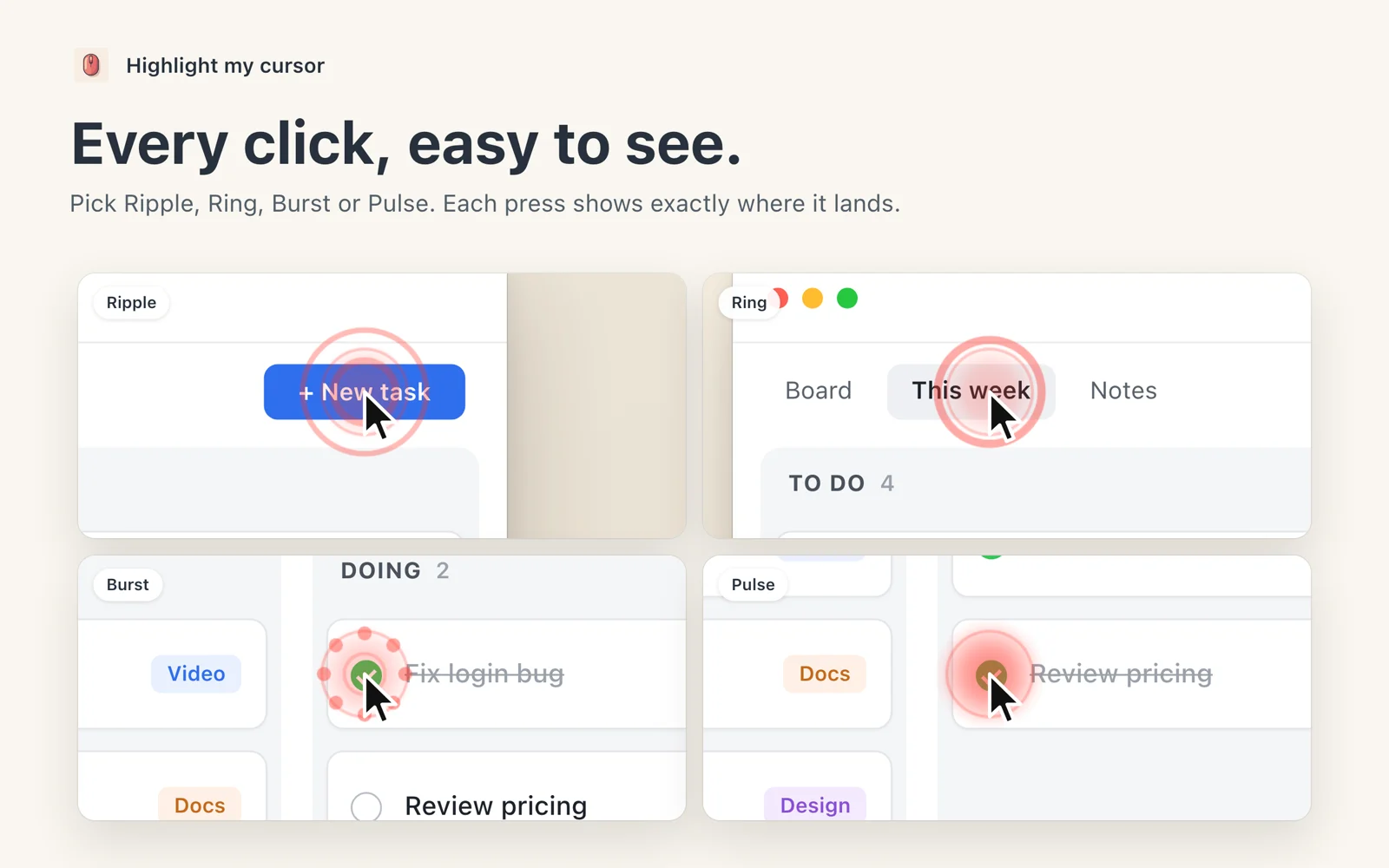
Every click, seen
Ripple, Ring, Burst or Pulse. Each press shows exactly where it lands, in its own colour and size.
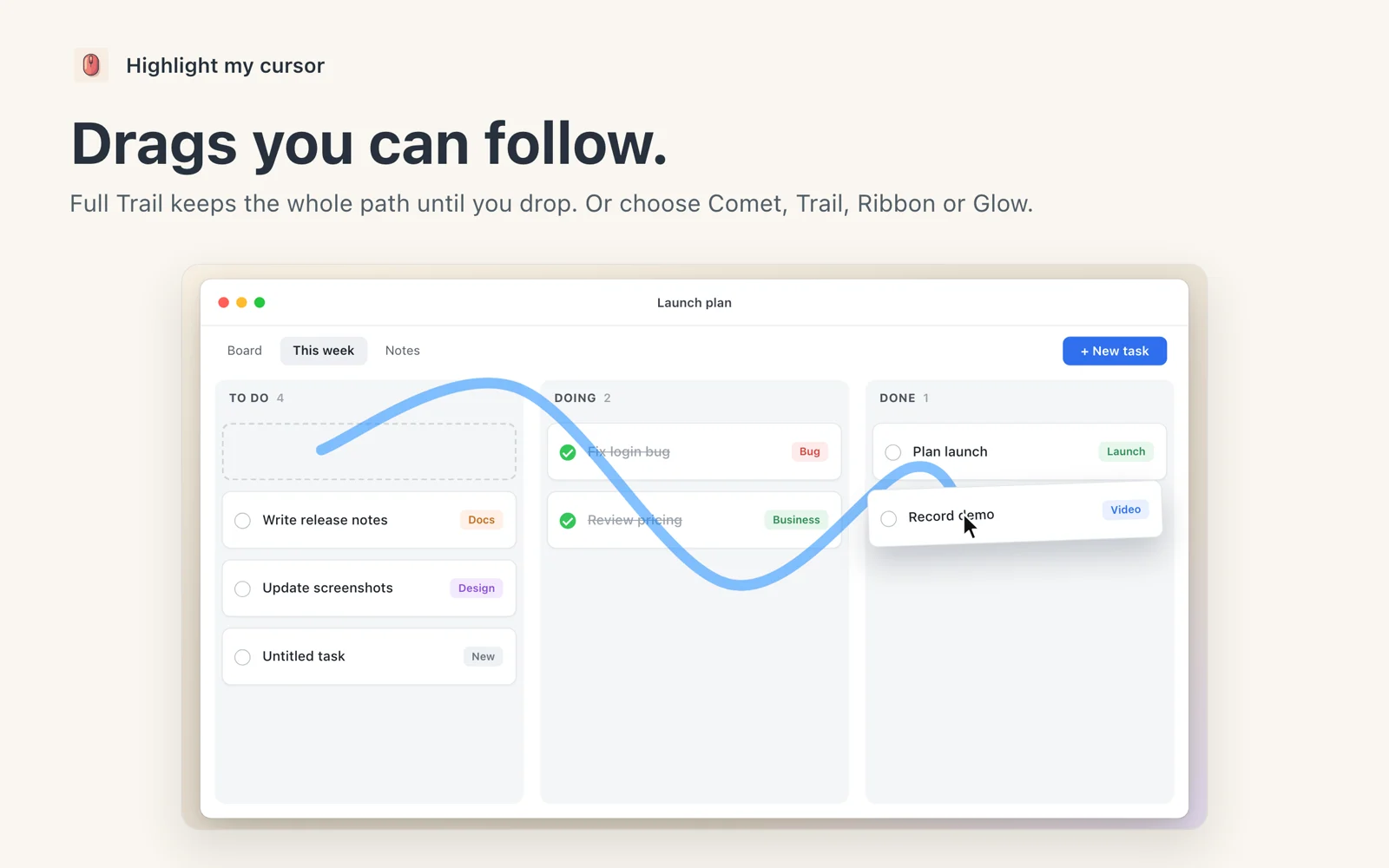
Drags you can follow
Comet, Trail, Ribbon, Glow, or Full Trail, which keeps the whole path until you drop. A drop effect marks where you let go.
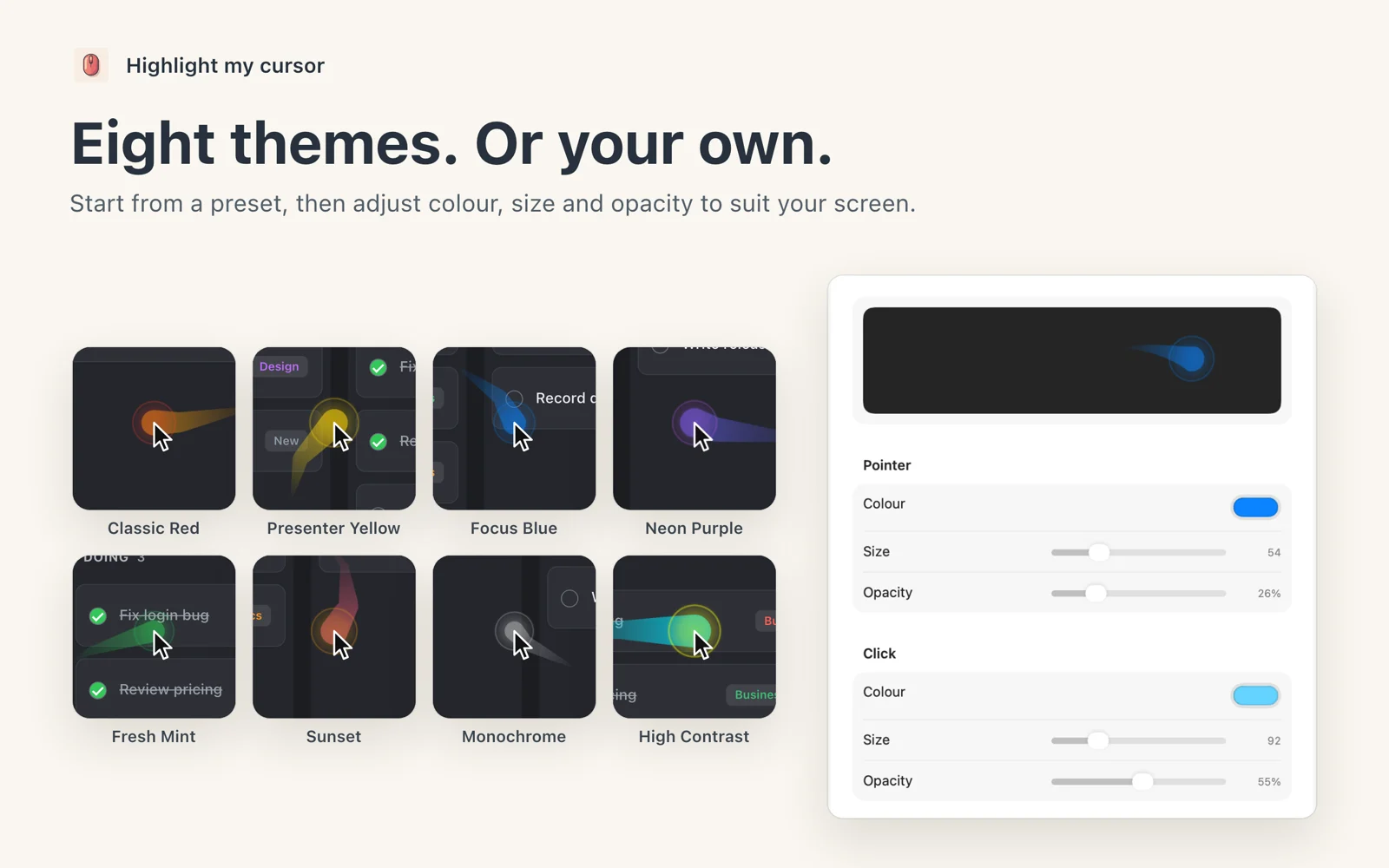
Eight themes, or your own
Classic Red, Presenter Yellow, Focus Blue, Neon Purple, Fresh Mint, Sunset, Monochrome and High Contrast. Change any colour, size or opacity.
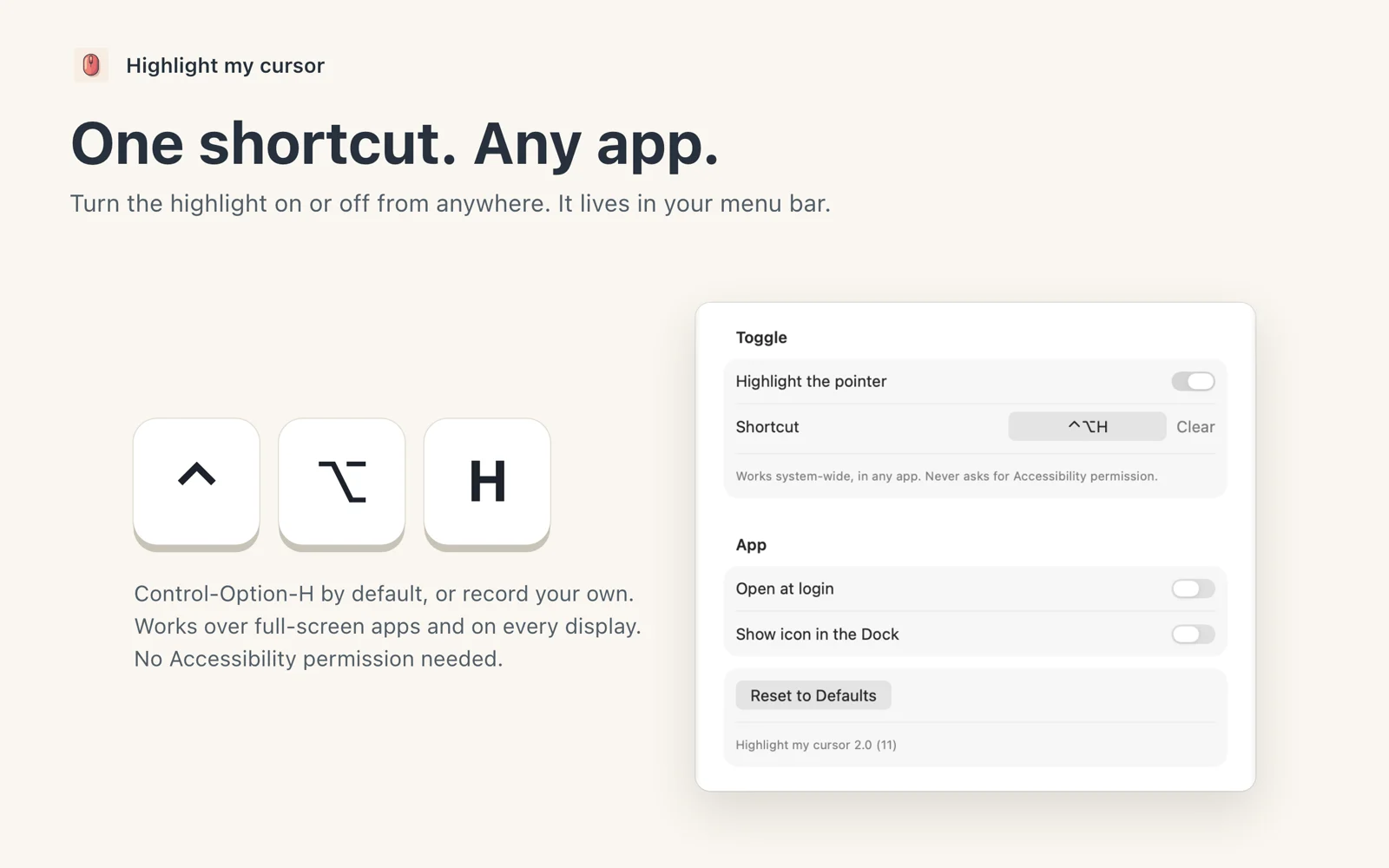
One shortcut, any app
Control-Option-H turns the highlight on or off from anywhere. Record your own shortcut if you prefer.
Lives in the menu bar
Switch it on, pick a theme or a drag style without opening a window. Open at login if you like.
Works everywhere
Every display, every Space, and over full-screen apps. It never gets in the way of your clicks.
No special permissions
No Accessibility or Input Monitoring access. It does not record your screen and has no analytics.
Gentle on the eyes
Three motion levels, and it follows your Mac’s Reduce Motion setting.
Pay once. Keep it.
Ready. Set. Record.
For macOS 15 or later. It highlights your pointer; it does not record your screen.